Gakki
Essentials
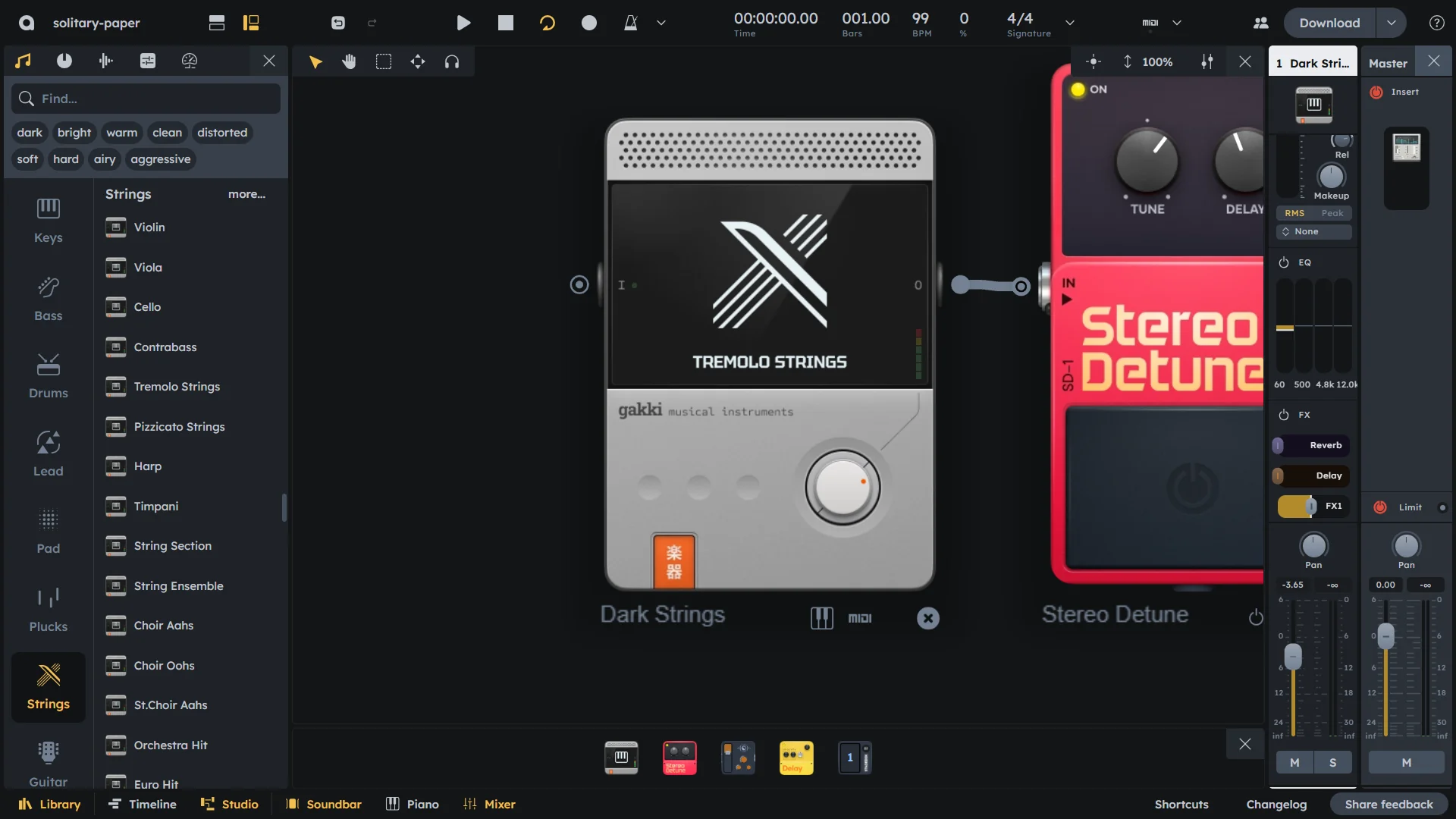
Gakki is a specialized soundfont player. It provides a curated set of soundfonts. Create a MIDI region or connect a note source, choose an instrument via right-click, and route the audio to your mixer or effects. For drum and percussion sounds, Gakki follows the General MIDI standard, so note mappings match familiar GM drum layouts.
Curated soundfont-based instruments
Single control: volume
Note input; audio output
Right-click Choose Instrument to select a sound
General MIDI–compliant drums and percussion
Controls
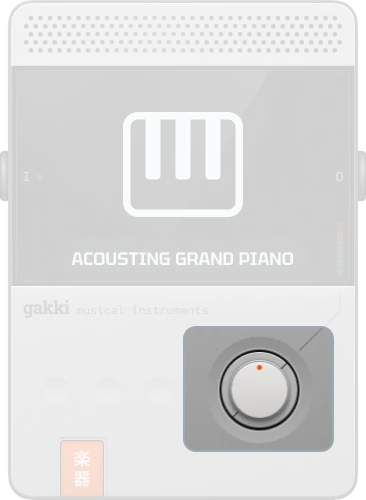
Volume |
Output volume (-inf to 0 dB). |
|---|
Choose instrument
Gakki ships with a curated set of soundfonts. To pick a specific sound or instrument:
Right-click on the Gakki device.
Pick Choose Instrument.
Select the desired instrument in the library to preview.
Double‑click or press Enter to confirm.
General MIDI
Gakki follows the General MIDI (GM) standard for drum and percussion instruments. Drum and percussion soundfonts use the usual GM note mapping (e.g. kick on C1, snare on D1, closed hi-hat on F#1, etc.), so patterns and presets that assume GM drums will behave as expected when played through Gakki.
Practical Tips
Practical Tips
Use Gakki with the Matrix Arpeggiator or ToneMatrix for melodic or rhythmic parts with realistic instrument tones.
Layer Gakki with synthesizers (e.g. Heisenberg, Pulverisateur) for combined acoustic and synthetic textures.
Rely on GM mapping when writing or importing drum patterns so percussion notes match the correct sounds.
Route Gakki’s audio through reverb or delay for more depth and space.
Try different instruments from the curated set via Choose Instrument to quickly change character without changing the pattern.