Compressor
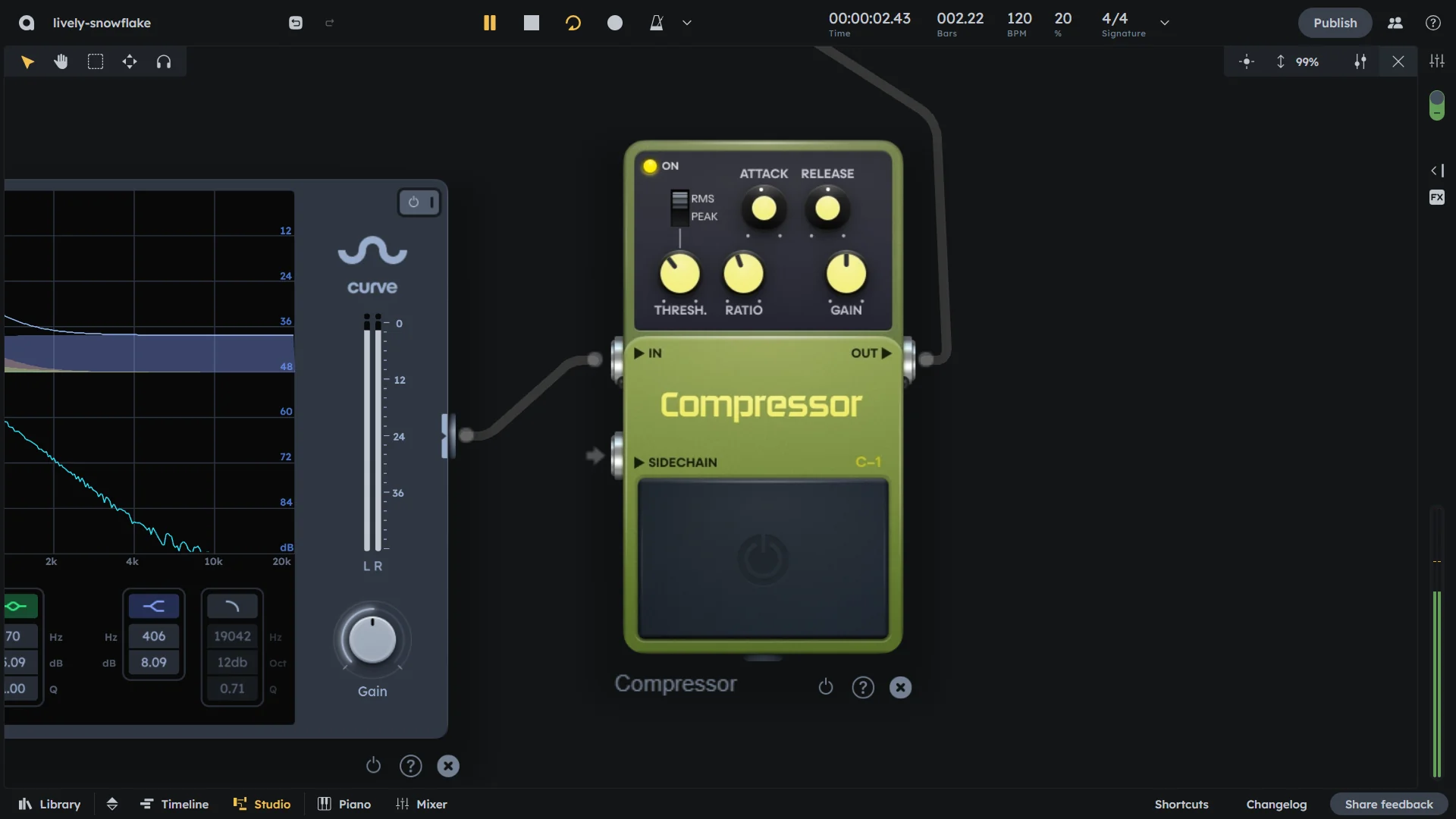
Essentials
Compressor controls dynamic range by reducing the volume of loud sounds. Use it to add punch to drums, even out vocal levels, or create sidechain pumping effects. Peak mode responds to transients; RMS mode responds to average levels.
Threshold, ratio, attack, release controls
Peak/RMS detection modes (Peak for transients, RMS for average levels)
Optional sidechain input for pumping effects
Subtle control to heavy pumping effects
Controls
On/Off |
Activates or bypasses the compressor effect |
|---|---|
Mode (RMS/Peak) |
Detection mode:
|
Threshold |
Level above which compression starts (-24 to 0 dB). Signals above this level are reduced. |
Ratio |
Reduction amount once above threshold (1:1-1:infinity). Higher values create stronger compression. |
Attack |
Time to start compressing after threshold (1-100 ms). Faster attack responds quicker to peaks. |
Release |
Time to stop compressing after falling below threshold (1-600 ms). Controls how quickly compression stops. |
Gain |
Makeup gain after compression (-24 to +24 dB equivalent). Compensates for level reduction. |
Sidechain |
Optional external input for sidechain compression. Allows external signal to trigger compression. |
Practical Tips
Practical Tips
Fast attack: control sudden peaks (vocals, snares).
Slow attack: keep punch in drums.
High ratio: strong compression or limiting.
Sidechain: create movement and space in dense mixes.