AudioTrack
Essentials
AudioTrack creates an audio timeline track for recording and arranging audio regions. Add it from the timeline, then drag samples into it or record your vocals or instruments directly. Perfect for recording live performances, importing audio files, or arranging samples.
Audio timeline track
Recording and arranging audio regions
Place samples by dragging from library
Record vocals or instruments
Edit regions with the Audio Editor
Controls
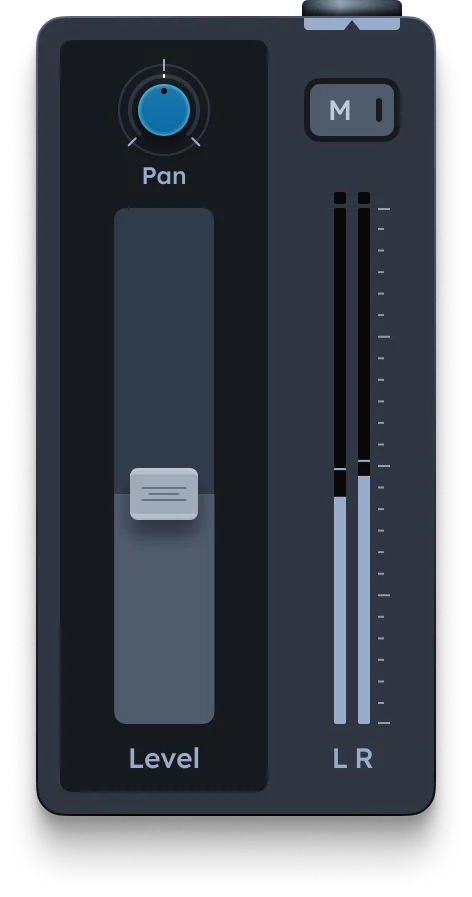
Pan |
Moves the signal in the stereo field (left, right, center) |
|---|---|
Level fader |
Sets the volume of the signal |
Mute (M) |
Instantly silences the signal |
Level meters |
Show real-time left and right signal strength |