Stereo Enhancer
Essentials
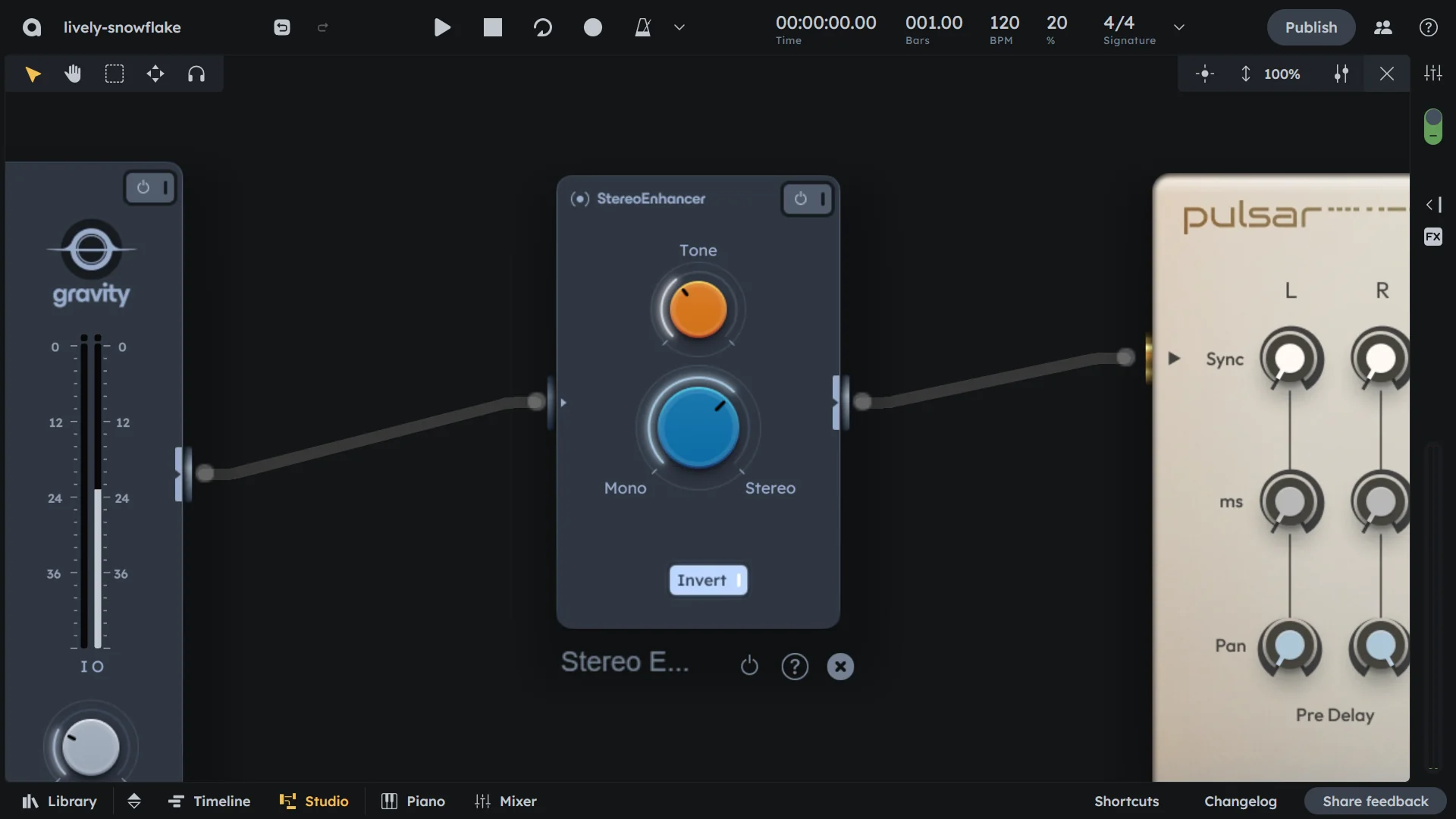
Stereo Enhancer manipulates phase/delay between channels to widen or center sources. Use Width, Tone, and Invert to sculpt stereo image. Makes sounds appear wider or more focused in the stereo field.
Phase and delay manipulation
Width, tone, and invert controls
Widen or center sources
Sculpt stereo image
Controls
On/Off |
Activates or bypasses the stereo enhancer effect |
|---|---|
Tone |
Frequency range affected by widening. Sets the cut-off frequency above which stereo processing begins. |
Stereo width |
Controls perceived width (0-100%). 0-50% merges left and right channels into mono. 50-100% increases stereo spread. |
Invert |
Flip left and right channels. Toggles the delay inversion of stereo channels. |
Practical Tips
Practical Tips
Widen leads/BVs: push wide for spaciousness.
Center low-end: narrow kicks/bass/snares for focus.
Invert layers: flip a pad layer for separation.
Targeted widening: use after BandSplitter to widen only highs.
Lush shimmer: combine with Exciter.