Orbit (EQ)
Essentials
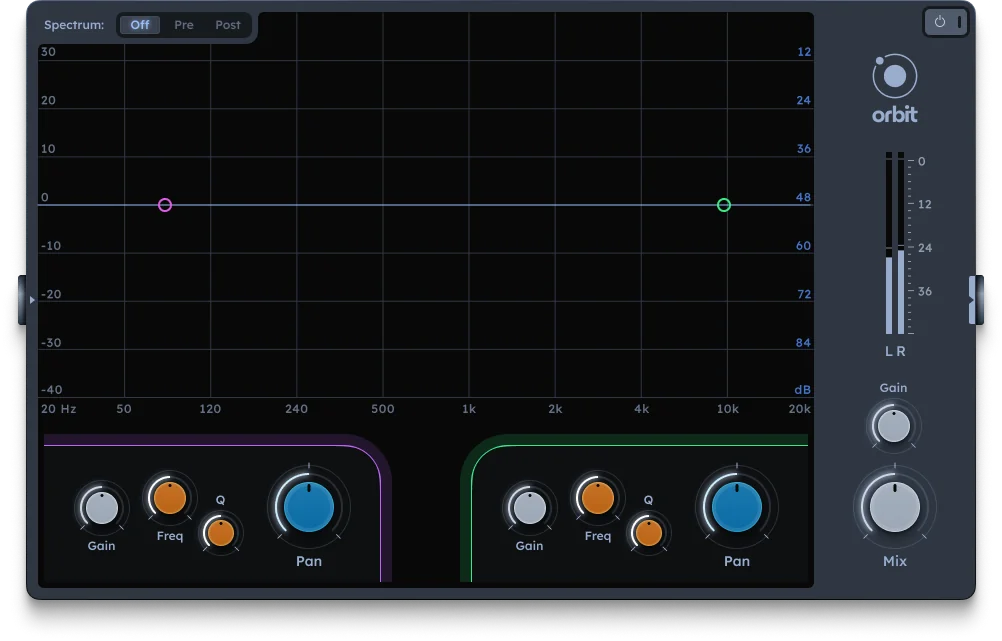
Orbit is a graphical equalizer with two parametric peak filters. Each filter has a stereo separation parameter that mirrors the filter gain between left and right channels—when one channel is boosted, the other is attenuated. This creates unique stereo placement effects while shaping tone. Perfect for creating width, movement, and spatial effects.
Two parametric peak filters
Frequency, gain, and Q controls per filter
Stereo separation per filter (mirrors gain between channels)
Tone-shaping with spatial control
Creates width, movement, and spatial effects
EQ bands
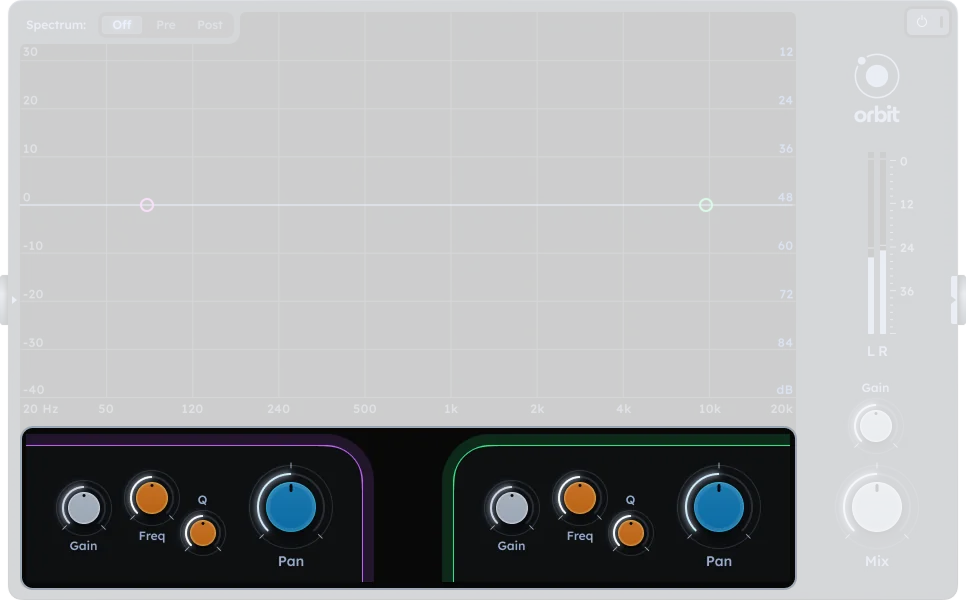
Orbit has two parametric peak filters. In the DAW UI, filter1 parameters are shown on the left, and filter2 parameters are shown on the right.
Frequency |
Peak frequency of the filter (32-17000 Hz) |
|---|---|
Gain |
Boost or cut at the selected frequency (-18 to +18 dB) |
Q |
Controls the bandwidth and resonance of the filter (0-100%). Higher values create narrower, more resonant peaks. |
Stereo Separation |
Mirrors filter gain between left and right channels (-100 to 100). 0 = equal gain on both channels. 100 = left channel boosted, right channel attenuated. -100 = right channel boosted, left channel attenuated. |
Output
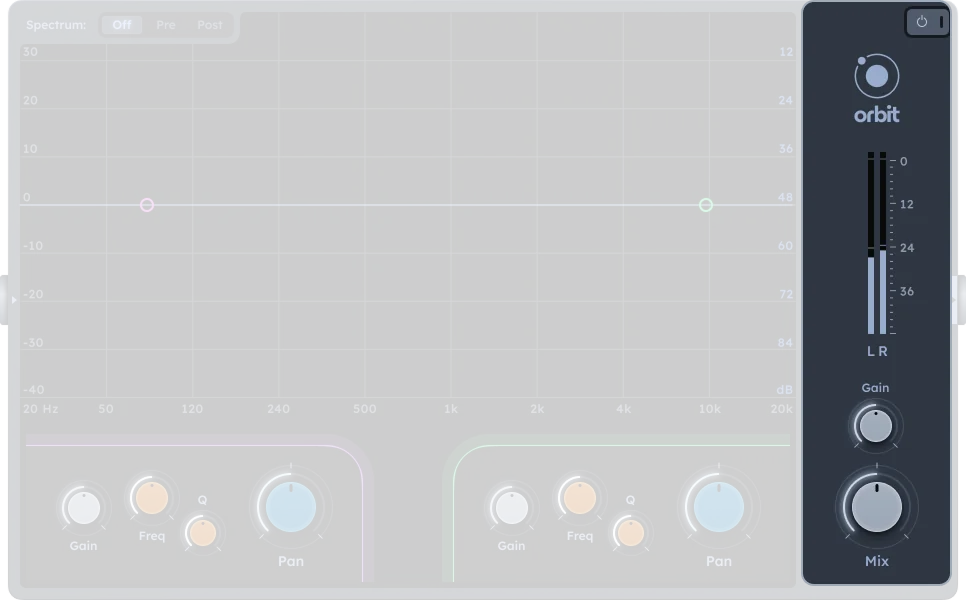
Gain |
Output level after EQ processing (-inf to +18 dB) |
|---|---|
Mix |
Dry/wet balance (0-100%). 0% = dry (0% effect), 100% = wet (100% effect) |
On/Off |
Activates or bypasses the effect |
Spectrum display
The real-time spectrum analyzer shows frequency content with three display modes:
Off |
No spectrum display |
|---|---|
Pre |
Shows input signal before EQ processing |
Post |
Shows output signal after EQ processing |
Practical Tips
Practical Tips
Stereo separation: Use stereo separation to create width by boosting frequencies on one channel while attenuating them on the other.
Frequency placement: Boost different frequencies on left and right channels for complex stereo imaging.
Surgical cuts: Use stereo separation with negative gain to clean up muddiness on one side of the stereo field.
Spatial layering: Combine with other panning/spatial FX for 3D feel.